





















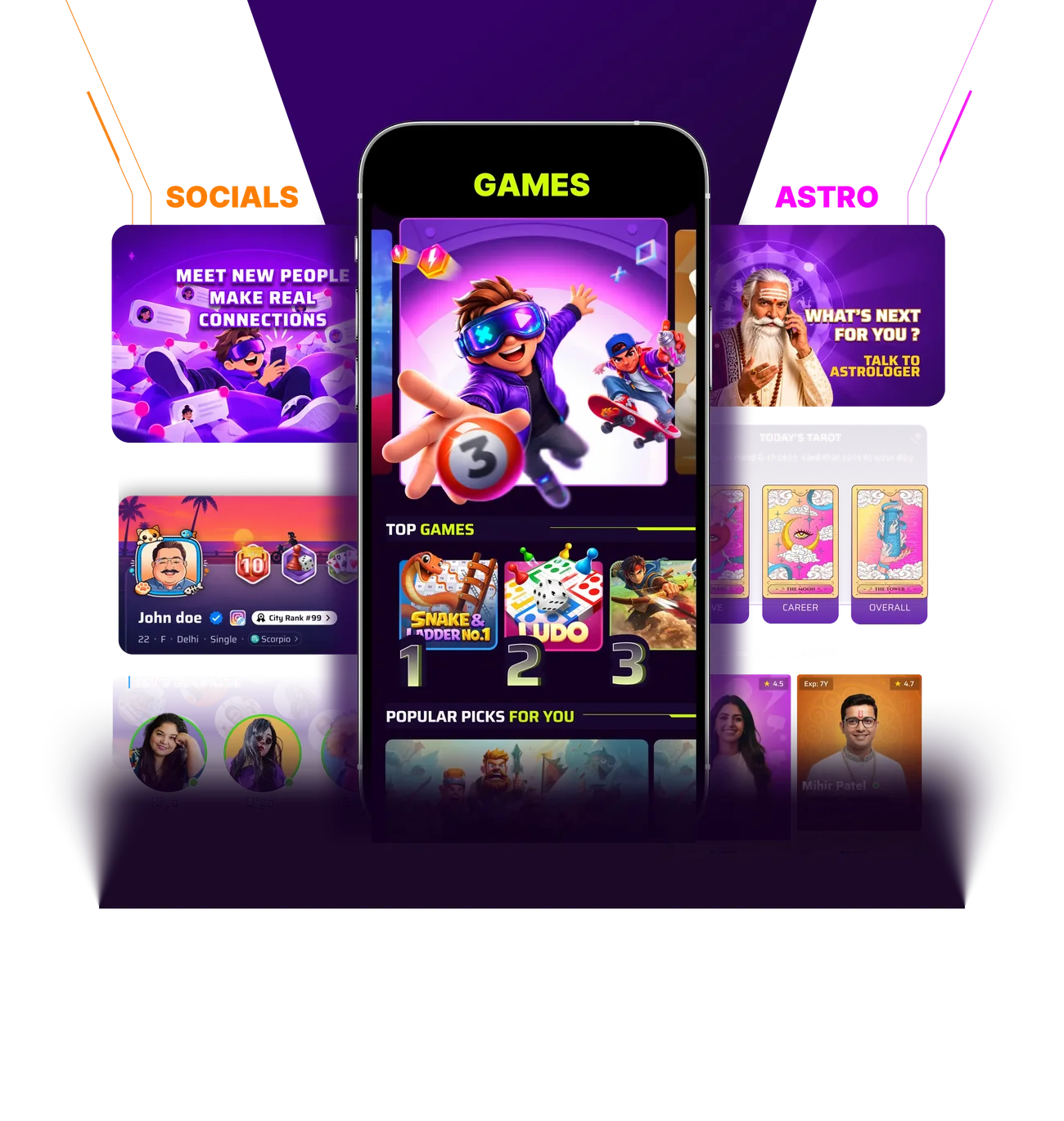
One App for Endless Entertainment
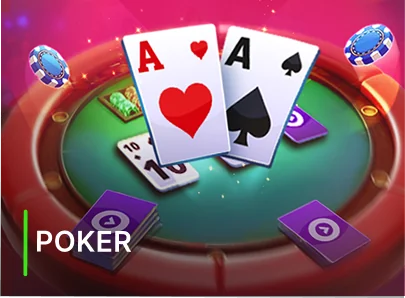
Popular games
Play your way and enjoy every momentPlay & enjoy every moment


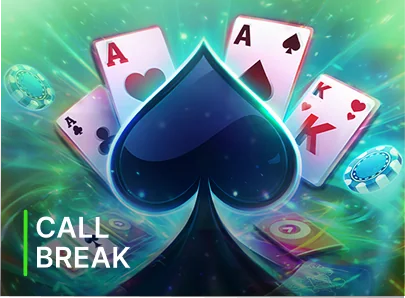
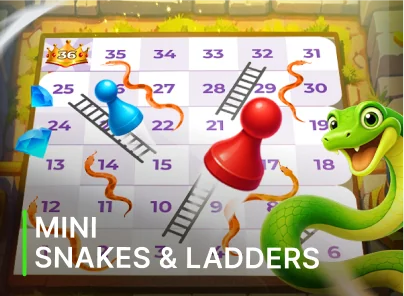
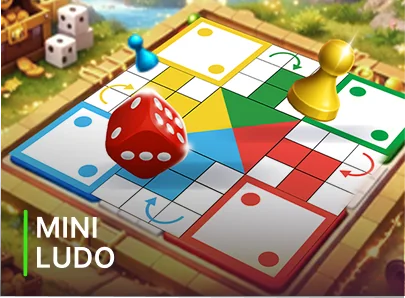

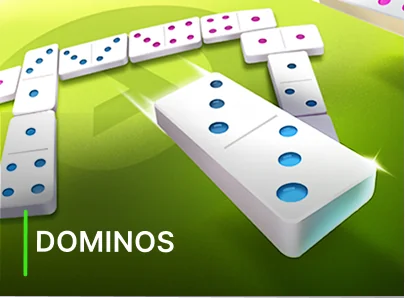

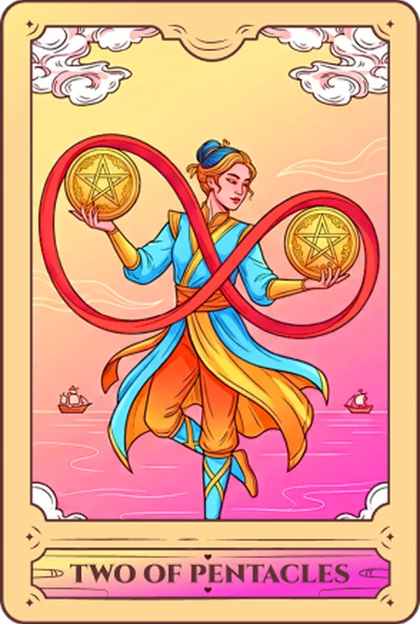
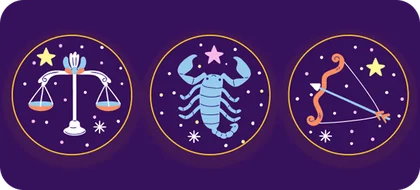
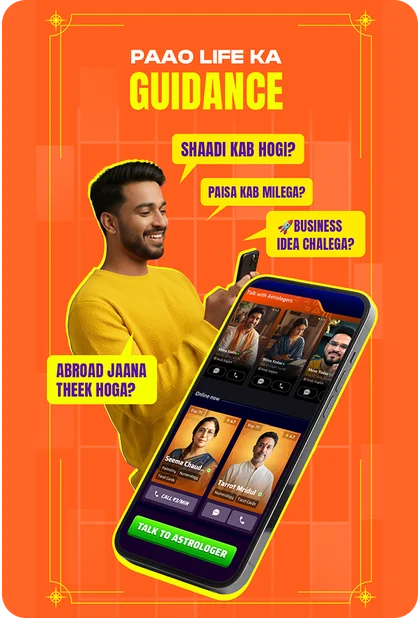
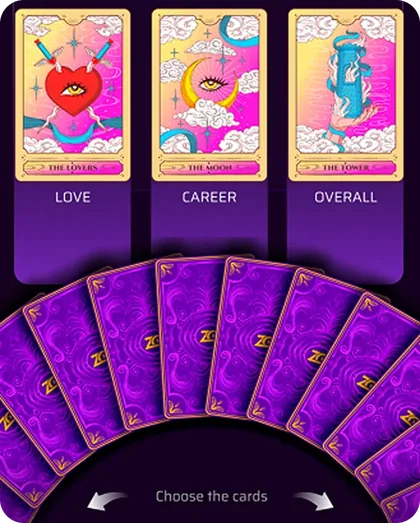
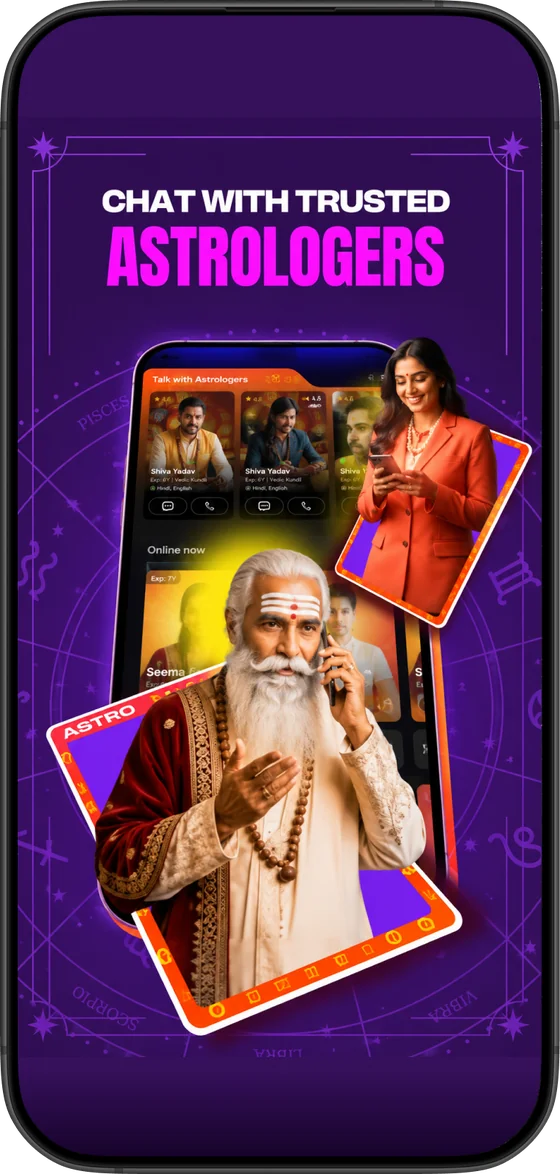
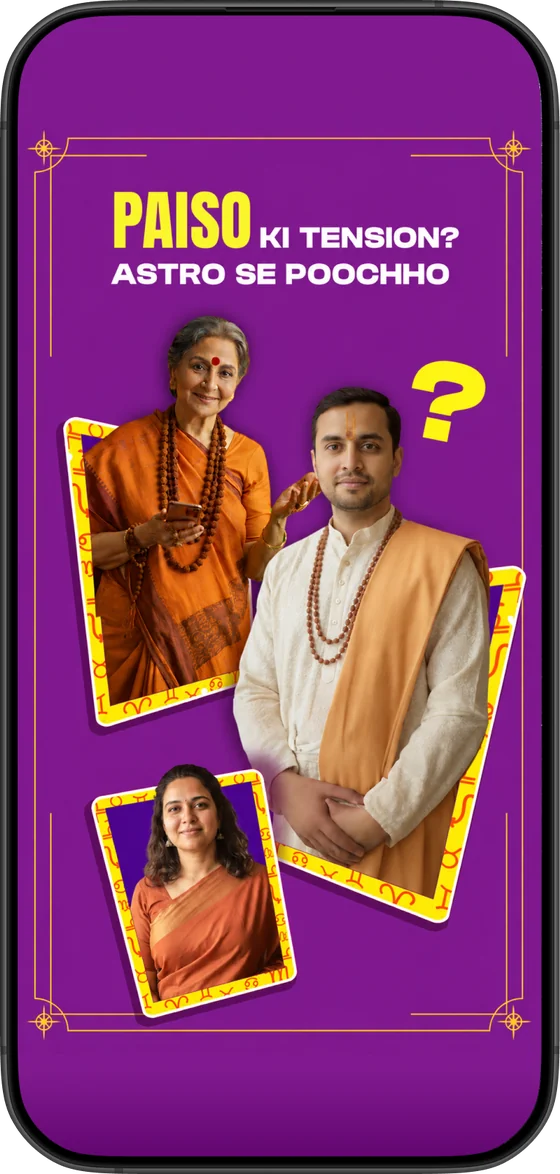
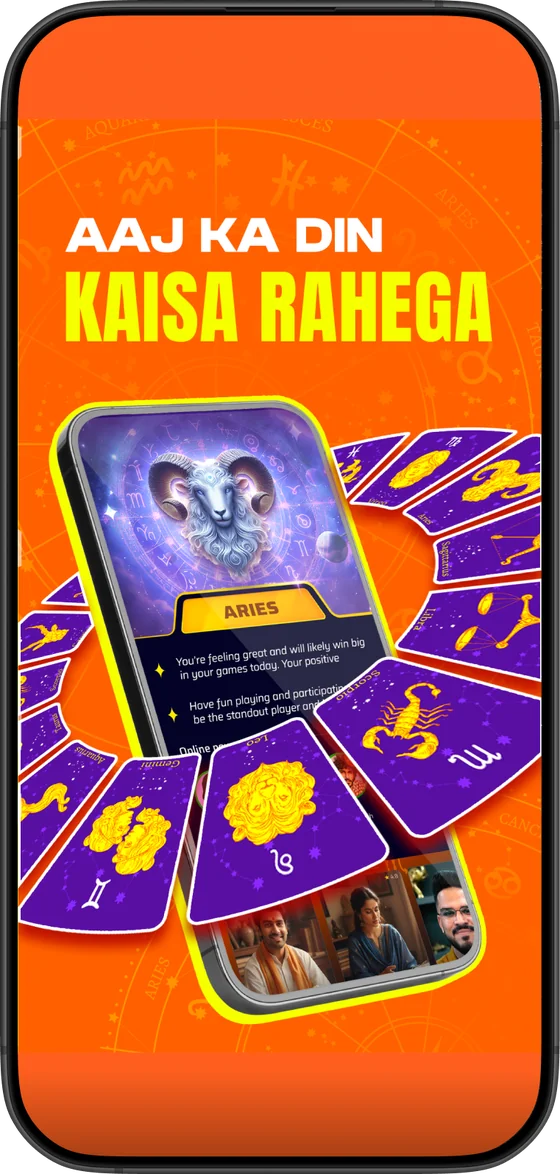
Your future written in the stars
Get daily insights with Horoscope, Tarot & Live Astrologers
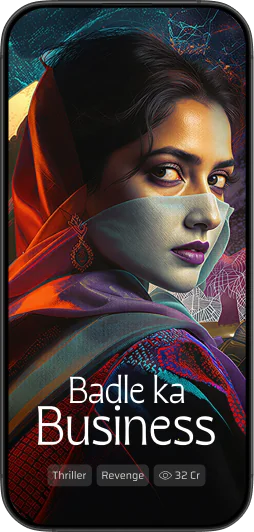
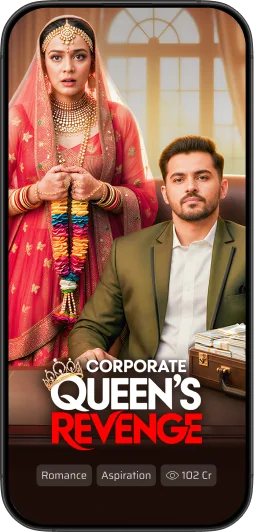
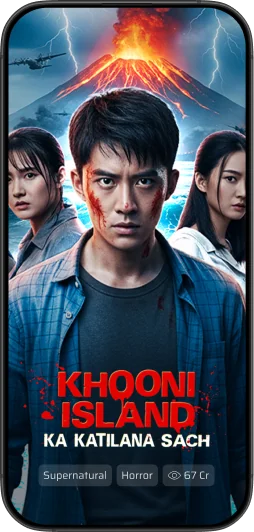
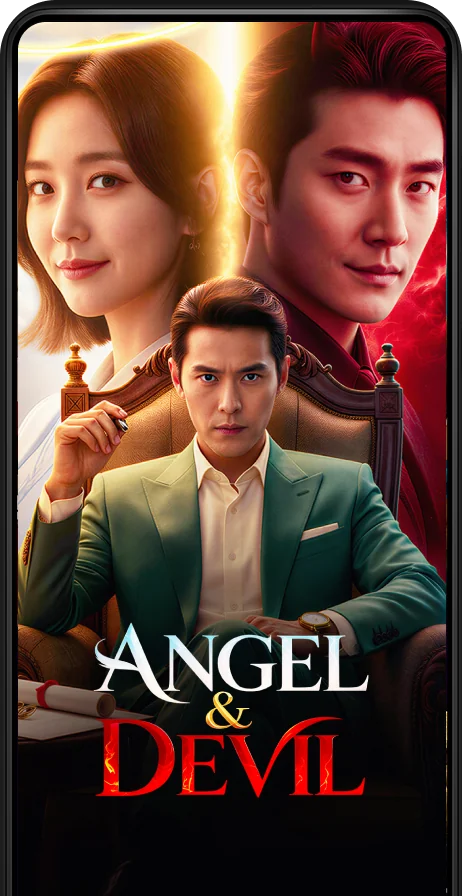
Short tales. Big emotions
Stories to watch anytime, anywhere



Why users love this
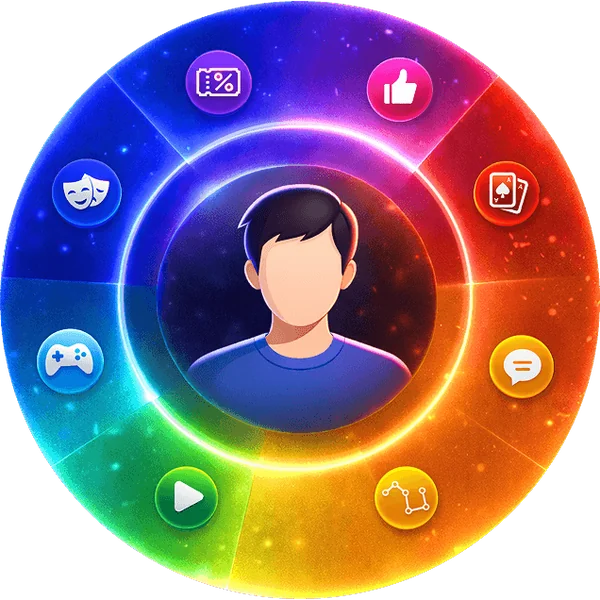
Entertainment, made for you

Premium quality. Effortless experience
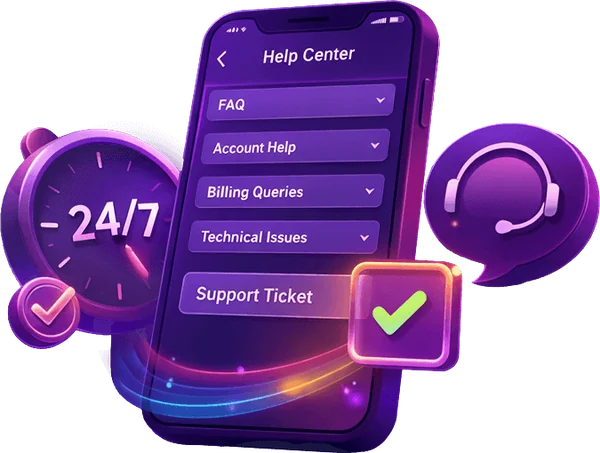
Trusted, supported & always reliable
Your safety. Our priority
Keep your account details private, choose a unique password and review your privacy settings.Stay in control of your account and privacy.
Account safety
Data protection
FAQ's about Winzo
1What is Winzo Games?


Discover classic games, browse game guides and find your next way to play. The game library includes card, board, number and strategy games.
2How do I download the Android app?
Select Download App or Download now to open the APK download. Every download button on this website uses the same download link.
Download App3How do I log in or register?
Select Start now to open the account platform. You can log in to your existing account or follow the registration steps there.
Start now4Can I start from my browser?
Yes. Start now takes you directly to the login and registration website.
Start now5Where can I find game guides?
Open the Games page to browse the library. Each game has its own overview, rules, practical tips and frequently asked questions.
Explore games6Which games have guides?
Explore Solitaire, Bingo, Chess, Spades, Dominoes, Slides and Ladders, and Ludo in the game library.
7How do I install the APK?
Download the APK on your Android device, open the downloaded file and follow the installation prompts shown by your device. Visit the download guide for the steps.
Download guide8Does the QR code use the same download link?
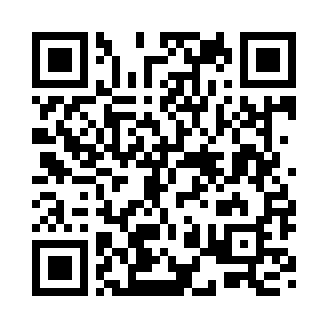
Yes. Scan the QR code on a desktop screen with your phone to open the same APK download used by the Download App buttons.
9What if my download is interrupted?
Check your connection and available storage, then try Download App again. You can also check the download status in your browser.
10Where do I get help with my account?
Open Start now and use the account or support options on the platform that manages your login and registration.
Start now